How to design furniture online with accurate room planning
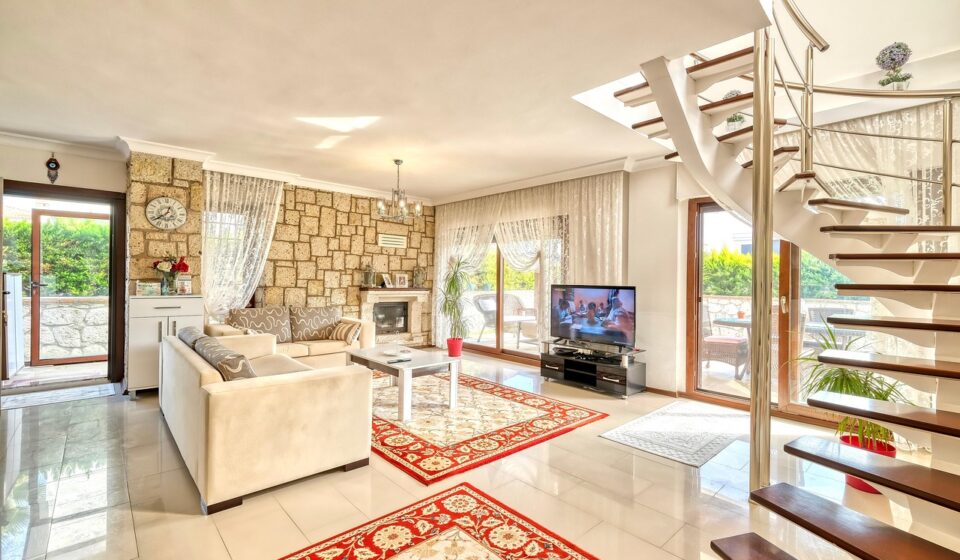
Online furniture planning starts with measurement, not style
To design furniture online well, treat the screen as a planning tool, not a final guarantee. A workable online plan starts with measured room dimensions, product specifications, circulation space, delivery constraints, material details, and a clear return policy. Color and style matter, but they should come after the physical checks. This distinction matters because online buying is now a normal part of retail behavior. In its second-quarter 2026 retail e-commerce release, the U.S. Census Bureau reported adjusted U.S. retail e-commerce sales of $340.2 billion, representing 17.1 percent of total retail sales. Furniture shoppers are part of that broader shift, but sofas, dining tables, beds, and storage pieces still carry physical risks that a product image cannot solve by itself.
The point is not to avoid digital tools. It is to use them in the right order. Room planners, retailer visualizers, augmented reality previews, and generative style tools can all support the buying process. The strongest online furniture decisions, however, still begin with a tape measure, a scaled room outline, and a checklist of what must fit in real life.
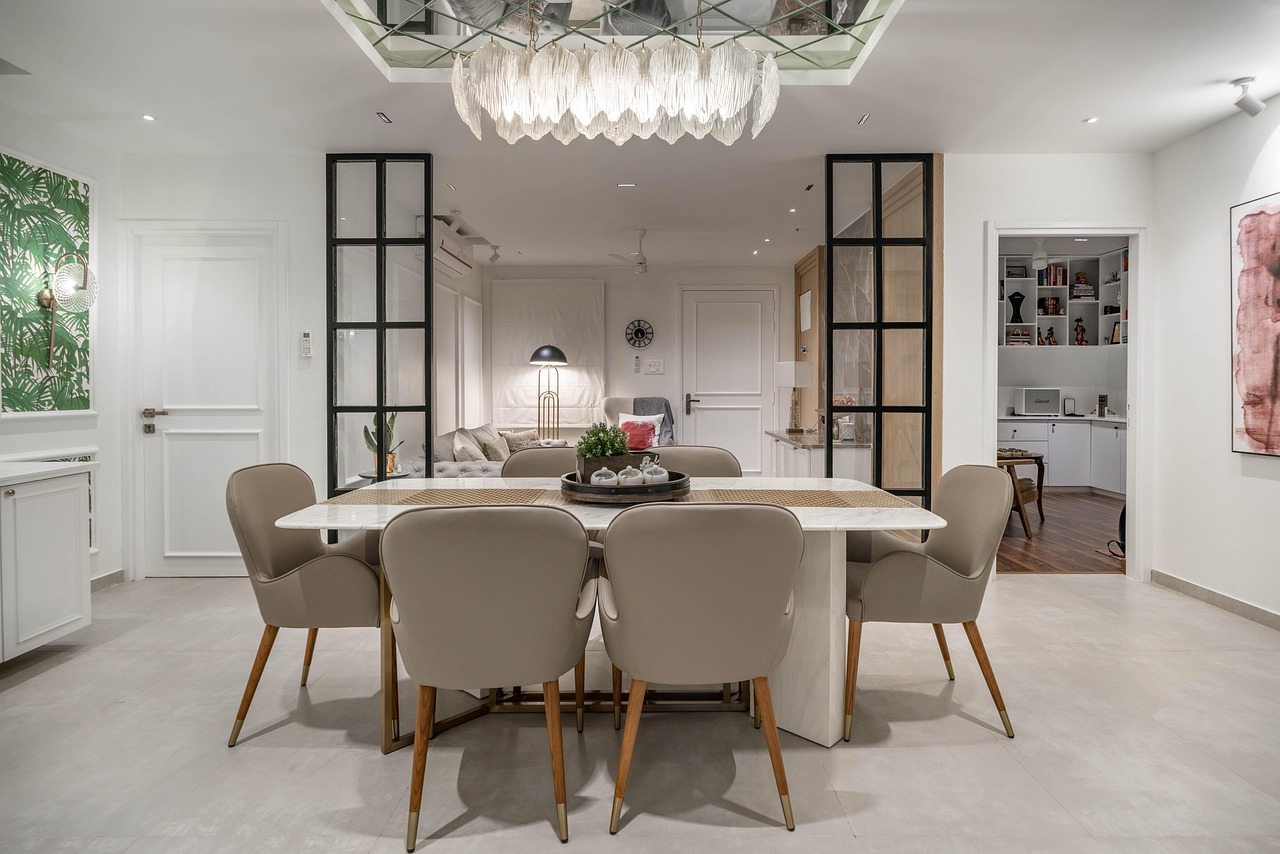
Build a measured room model before choosing furniture
The most useful online furniture plan is often the least glamorous one: a plain room layout with accurate measurements. Measure wall length, ceiling height, window and door positions, outlet locations, radiator or vent clearances, stair turns, and any fixed architectural features. A furniture plan that ignores an inward-swinging door or a low window sill may look balanced online but fail in daily use.
Use the same unit system throughout the project, and record the dimensions before opening a shopping page. If a room is not perfectly rectangular, break it into smaller rectangles or triangles and note irregular corners. Older homes, apartments, and remodeled spaces often have slight measurement differences from wall to wall.
- Room footprint: wall-to-wall dimensions, alcoves, built-ins, columns, and angled corners.
- Openings: door width, door swing, window height from floor, window width, and closet access.
- Services: outlets, switches, vents, radiators, floor registers, cable points, and lighting positions.
- Movement paths: walkways from entrances to seating, dining, storage, and exterior doors.
- Delivery path: entry door, hallway, elevator, stair landing, and tight turns before the furniture reaches the room.
For related ideas on layout, materials, and residential furniture trends, visit our furniture design section.
Choose the right online tool for the decision you need to make
Not every online design tool answers the same question. Some are better for layout, some for style exploration, and others for retailer-specific product selection. Problems start when one tool is expected to handle every part of the decision.
| Tool type | Best use | Main limitation |
|---|---|---|
| 2D floor planner | Testing scale, pathways, and furniture placement from above | Often weak on material feel, seat comfort, and visual depth |
| 3D room planner | Understanding height, volume, and relationships between pieces | Accuracy depends on correct measurements and available models |
| Retailer visualizer | Seeing products from one catalog in a photographed or modeled room | Usually limited to that retailer’s product data and categories |
| Augmented reality preview | Checking whether a piece feels oversized or undersized in a real room view | Lighting, scale calibration, and phone position can affect perception |
| Generative style tool | Exploring mood, color direction, and possible room concepts quickly | Generated images may not match exact product dimensions or availability |
Official tool descriptions show these differences. IKEA describes IKEA Kreativ as a free virtual room designer that can use room photos, furniture erasing, catalog items, LiDAR-based scanning on supported devices, and manual room dimensions on the web. Its help materials also note category limits, including textiles, ceiling-mounted items, components, and full kitchen design. Wayfair’s Decorify is presented as a shoppable room styling tool that lets users upload an image and see redesigned looks. These tools are useful, but they should be treated as planning aids rather than measurements, contracts, or independent product tests.
Test scale, circulation, and delivery before style
Many online furniture mistakes come from choosing the right style in the wrong size. A sofa can match a mood board and still overwhelm a living room. A dining table can look elegant in a product render and still leave too little room for chairs to slide back. A bed frame can fit the bedroom footprint while blocking wardrobe access.
Use an online layout to test clearances before finalizing a piece. As a practical rule, check whether people can walk through the room without turning sideways, whether storage doors open fully, whether drawers can extend, and whether seating supports conversation instead of simply filling wall space. For dining areas, test the table with chairs pulled out, not pushed in. For bedrooms, test paths on both sides of the bed when space allows, and confirm that nightstands do not block outlets or closet doors.
Delivery deserves the same attention as room fit. Product pages usually provide overall dimensions, but large pieces may arrive in boxes, modules, or partly assembled sections. Before ordering, compare the packed dimensions, if available, with the entry route. Tight staircases, apartment elevators, narrow vestibules, low ceilings, and sharp hallway turns can be more limiting than the final room.
Read product information like a specification sheet
Online furniture design becomes safer when product pages are reviewed like specification sheets, not inspiration boards. The Federal Trade Commission advises online shoppers to compare details such as manufacturer or model number, size, color, shipping fees, total cost, delivery terms, and return policy. It also explains that sellers must ship as promised, or within 30 days if no shipping time is stated. For furniture, that guidance is especially relevant because delivery windows, return freight, restocking fees, and clearance-sale exceptions can change the true cost of a purchase.
Before placing an order, capture or save the key product information. This includes dimensions, fabric name, finish, assembly requirements, warranty terms, delivery method, return window, and whether return shipping or pickup fees apply. If a listing uses terms such as vintage, refurbished, open-box, close-out, or final sale, treat those words as decision-critical, not decorative.
Reviews can help, but they are not a substitute for specifications. Look for reviews with room photos, size context, long-term comments, and repeated patterns. A single complaint about color may reflect lighting or monitor settings. Repeated complaints about sagging cushions, weak hardware, missing parts, or difficult returns deserve more weight.
Verify materials, sustainability claims, and accessibility
Designing furniture online also means evaluating claims that are easy to overlook in a visual workflow. Material descriptions should identify what is solid wood, veneer, engineered wood, metal, foam, fabric, leather, coating, or laminate. Vague terms such as premium, natural look, or eco-friendly are less useful than specific information about materials, certifications, emissions, repairability, or replacement parts. See also: BUILDING MATERIALS.
For commercial and contract furniture, BIFMA standards provide one recognized reference point. BIFMA describes ANSI/BIFMA e3 as a furniture sustainability standard, with the 2024 edition addressing measurable performance criteria and LEVEL certification providing third-party evaluation against that standard. That does not mean every home furniture purchase needs a BIFMA label, but it shows why specific certification language is more reliable than broad sustainability wording.
Accessibility is also part of online furniture design, especially when planning a website, catalog, or interactive buying journey. The W3C’s WCAG 2.2 guidance includes criteria related to keyboard operation, dragging movements, target size, consistent help, and accessible authentication. For furniture retailers and design platforms, this is a reminder that a polished 3D interface should not be the only way to access essential product information.
A practical workflow for designing furniture online
A strong workflow keeps creative choices and technical checks connected. Use this sequence before committing to a major furniture purchase:
- Measure the room and delivery path. Record room dimensions, fixed obstacles, doorways, stairs, elevators, and hallway turns.
- Create a simple 2D layout. Place existing pieces first, then add possible new furniture at accurate scale.
- Set functional priorities. Decide whether the room needs more seating, storage, work surface, sleep space, flexibility, or open circulation.
- Compare sizes before styles. Shortlist products by width, depth, height, seat height, table height, and storage clearance.
- Preview visually. Use 3D, AR, or retailer tools to check massing, color direction, and relationship to walls, windows, and floors.
- Check materials and construction. Review frame material, upholstery, finish, cushion fill, hardware, assembly, and care instructions.
- Verify the buying terms. Confirm delivery method, fees, return window, restocking charges, sale-item exclusions, warranty, and customer support route.
- Pause before checkout. Reopen the layout and confirm that the chosen piece still works with circulation, access, and future flexibility.
This process may feel slower than browsing, but it helps avoid the common cycle of ordering by image, discovering a scale problem, and then paying with time, return costs, or a compromised room.
When online planning should be paired with in-person checks
Some furniture decisions still benefit from physical inspection. If comfort, touch, or long-term durability is central to the purchase, online planning should narrow the shortlist rather than replace testing. Sofas, mattresses, desk chairs, dining chairs, and recliners are especially personal because seat depth, cushion firmness, back angle, arm height, and fabric texture affect daily use.
In-person checks are also valuable when color accuracy matters. Screens, photography lighting, and room light temperature can shift how wood tones, white paints, gray fabrics, and leather finishes appear. If a retailer offers swatches, finish samples, showroom viewing, or comparable display models, use those options for higher-risk purchases.
Frequently asked questions
What is the best first step when I design furniture online?
The best first step is measuring the room and delivery path before shopping. A measured layout helps you filter products by size, clearance, and access instead of relying only on photos or discounts.
Are online room planners accurate enough for furniture buying?
They can be accurate enough for planning if the input measurements are accurate and the product models use correct dimensions. They are less reliable for judging comfort, fabric feel, color accuracy, and construction quality.
Should I use an AI room design tool for furniture decisions?
An AI room design tool can be useful for exploring style direction, color combinations, and layout ideas. Use it as an idea generator, then verify every product dimension, material, price, availability, delivery term, and return policy separately.
How do I avoid buying furniture that will not fit through the door?
Check the furniture’s overall and packaged dimensions, then compare them with the narrowest part of the delivery path. Include door width, stair turns, hallway corners, elevator size, ceiling height, and whether legs or modules can be removed.
What should I save before ordering furniture online?
Save the product page details, dimensions, material description, color or finish name, price, delivery estimate, return policy, warranty, and order confirmation. These records are useful if a product arrives damaged, delayed, incorrect, or different from the listing.